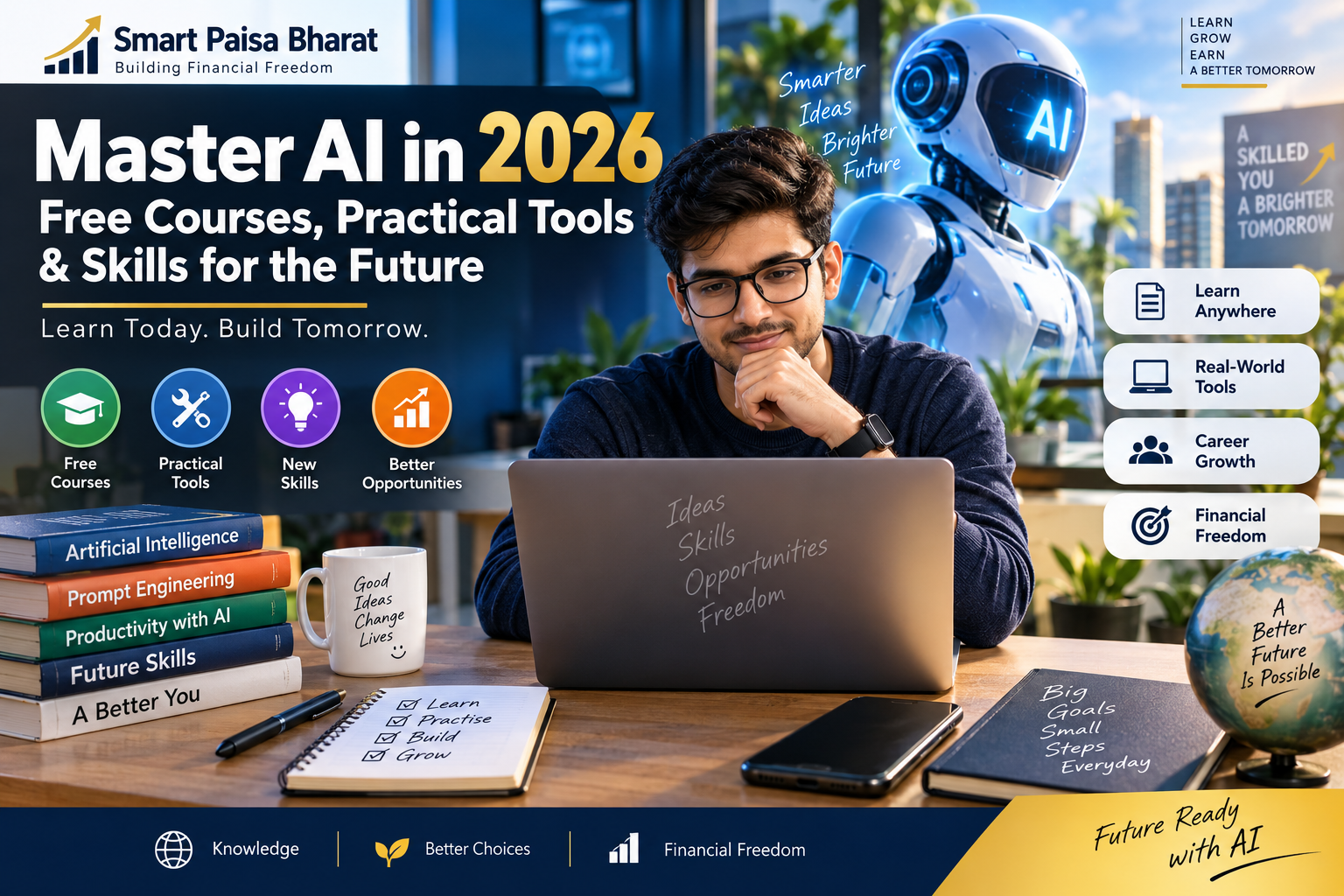
Master AI in 2026: Free Courses, Practical Tools & Skills for the Future
Artificial intelligence has moved from being a futuristic idea to becoming a practical part of everyday digital life. People are using AI to learn, research, organise information, create content, analyse data and complete routine tasks.
But learning AI does not mean trying every new application that appears online. The more useful approach is to understand the fundamentals, learn how to communicate clearly with AI systems and practise using them for genuine problems.
This guide is designed for beginners, students, professionals, creators and small-business owners who want to build practical AI skills in 2026 without getting overwhelmed by the constantly changing technology landscape.
Why Learning AI Matters in 2026
AI is increasingly becoming part of ordinary digital workflows. A person might use it to organise research in the morning, improve a document in the afternoon and brainstorm ideas for a project later in the day.
The important point is that using AI effectively is not simply about knowing where to type a question. You also need to understand what information to provide, how to evaluate the response and when the output requires human verification.
The real AI advantage is not using more tools. It is learning how to combine useful technology with your own knowledge, judgement, creativity and experience.
This is why AI literacy is becoming a practical skill across many different areas of work and learning.
AI Is a Skill, Not Just a Tool
AI applications will continue to change. A tool that receives attention today may be replaced or redesigned tomorrow. Instead of becoming dependent on a particular application, focus on skills that can transfer between different AI systems.
Five AI skills worth developing
- Clear prompting: Learn how to explain a task, provide context and describe the result you actually want.
- AI-assisted research: Use AI to explore ideas and organise information, while checking important facts against trustworthy sources.
- Data awareness: Learn how to work with tables, documents and numbers while questioning unusual or unexpected results.
- Workflow thinking: Break repetitive work into smaller steps and identify where AI can genuinely save time.
- Human review: Develop the habit of checking AI-generated material before using it for important work, publishing or decisions.
Start With Generative AI Basics
If you are new to artificial intelligence, there is no need to begin with advanced programming or complicated machine-learning mathematics.
Start by understanding what generative AI does. Depending on the system, it can help create or transform text, images, ideas, summaries, code and other forms of content.
A simple beginner learning sequence
- Understand basic AI and generative AI concepts.
- Learn how prompts influence AI responses.
- Practise giving clear instructions and useful context.
- Learn how to identify possible errors or unsupported claims.
- Use AI on small real-world tasks.
- Gradually create more advanced workflows.
Learning in this order keeps the process practical. You learn something, use it, observe the result and then improve your approach.
Where Beginners Can Learn AI for Free
You do not have to spend a large amount of money to start learning AI. Technology companies, educational organisations and online learning communities provide a variety of introductory resources.
1. OpenAI Academy
OpenAI Academy provides learning material covering practical AI use, AI fundamentals, workflows and responsible use. It can be useful for people who want to understand how AI assistants can fit into everyday tasks.
2. Google AI Learning Resources
Google provides AI learning material covering introductory concepts, generative AI and other areas of modern artificial intelligence. Beginners can use introductory lessons before moving toward more specialised topics.
3. Microsoft AI Learning Resources
Microsoft’s learning ecosystem includes material covering AI fundamentals, productivity tools, AI development and related technologies.
4. Learn by Building Small Projects
Courses are useful, but practical projects turn knowledge into experience. After learning a concept, immediately try applying it to something useful.
For example, create a study planner, organise research notes, improve a piece of writing or design a simple content workflow.
How to Write Better AI Prompts
Good prompting is not about finding a magical sentence. It is mostly about communicating clearly.
A useful prompt often contains four simple ingredients:
- Task: Explain exactly what you want done.
- Context: Give the information the AI needs.
- Constraints: Mention limitations, audience or length.
- Output: Explain how you want the answer organised.
Example of a stronger prompt
Instead of:
“Write about AI.”
Try:
“Explain how a beginner can use AI for everyday productivity in 2026. Use simple language, give five practical examples and finish with a short checklist.”
You can then continue the conversation and ask the AI to improve, simplify, reorganise or expand the result.
Build a Simple AI Tool Stack
More tools do not automatically mean better results. A small collection of tools that you understand well can be more useful than a long list of applications you rarely use.
| Goal | AI Capability | Simple Project |
|---|---|---|
| Writing | Drafting and editing | Improve an article or document |
| Research | Summarising and organising information | Create a research brief |
| Learning | Explanations and practice | Create a study plan |
| Data | Analysis and pattern exploration | Review a spreadsheet |
| Creativity | Ideas and content development | Build a campaign concept |
| Productivity | Task organisation and workflows | Create a repeatable process |
Choose tools according to the problem you are trying to solve rather than collecting applications simply because they are trending.
AI Skills for Students
Students can use AI as a learning companion while still doing the thinking themselves.
- Ask for difficult concepts to be explained in simpler language.
- Generate practice questions from a subject.
- Create revision schedules.
- Ask for feedback on writing.
- Compare different approaches to a problem.
- Identify areas where more study is needed.
A useful rule: Use AI to understand more, not to think less.
AI Skills for Professionals
Professionals can begin by looking at the tasks they repeat every week. Instead of asking which AI application is popular, ask which part of your current workflow takes unnecessary time.
Possible areas include:
- Drafting routine communications
- Organising meeting notes
- Preparing first drafts
- Brainstorming ideas
- Summarising long documents
- Organising research
- Creating reusable templates
- Exploring spreadsheets and datasets
Always follow your organisation’s rules when working with confidential, personal or commercially sensitive information.
AI for Freelancers and Small Businesses
AI can also help independent professionals and small businesses streamline parts of their daily work.
A freelancer might use AI to brainstorm content ideas, organise client notes, prepare a proposal outline or create alternative versions of marketing copy.
However, the final result should reflect real knowledge of the customer, industry and business objective. AI can speed up the process, but human experience gives the work its direction.
Common AI Learning Mistakes to Avoid
Chasing every new AI tool
The AI ecosystem changes quickly. Trying to learn every new application can leave you with many tools and very little practical experience.
Trusting every answer
AI systems can make mistakes. Important information should be checked against reliable and appropriate sources.
Only watching tutorials
Watching educational videos can introduce concepts, but practice is what turns those concepts into usable skills.
Ignoring privacy
Never casually share passwords, confidential documents, financial credentials or sensitive personal information with an AI service.
Letting AI replace your judgement
AI can help with analysis and preparation, but important decisions still require appropriate human review and responsibility.
A Practical 30-Day AI Learning Plan
Week 1: Learn the Fundamentals
Understand basic AI concepts, generative AI, prompting and responsible use. Focus on understanding rather than memorising terminology.
Week 2: Practise Every Day
Spend a short amount of time each day using AI for a genuine task. Try writing, research, learning, planning or another activity that matters to you.
Week 3: Build One Real Project
Choose a small project and take it from beginning to end. Keep notes about what worked and where the AI response needed improvement.
Week 4: Create a Repeatable Workflow
Turn the most useful parts of your project into a repeatable process. Identify where AI helps and where human review remains necessary.
After 30 days, your goal should not simply be a collection of completed lessons. You should have practical experience that you can continue developing.
What AI Skills Will Remain Useful?
No one can know exactly which AI applications will dominate the future. Tools, interfaces and capabilities will continue to evolve.
That makes adaptable skills especially valuable. Learn how to evaluate technology, ask better questions, check information, solve problems and combine AI assistance with your own expertise.
Think beyond the application. The long-term skill is knowing how to use AI responsibly and effectively, even when the particular tool changes.
Frequently Asked Questions About AI Skills in 2026
Can a complete beginner learn AI?
Yes. Beginners can start with basic concepts and practical AI applications without learning programming first.
Can I learn AI for free?
Yes. Free educational resources are available from technology companies, educational platforms and online communities. Course availability and terms can change, so check the current information before enrolling.
Do I need coding skills to use AI?
No. Many AI applications can be used without programming. Coding becomes more relevant if you want to build applications, automate systems or work directly with AI development technologies.
What AI skill should I learn first?
Begin with AI fundamentals and clear prompting. Then practise checking AI responses and applying the technology to real tasks.
Can AI help with career development?
AI can support learning, productivity and certain professional tasks. Career outcomes depend on your skills, experience, industry and how you apply what you learn.
Should I learn many AI tools?
Start with one or two tools and learn them properly. Once you understand the underlying workflow, learning additional tools becomes much easier.
Final Takeaway
Learning AI in 2026 does not require you to become an expert in every new technology. Start with the fundamentals, practise regularly and focus on problems where AI can genuinely make your work easier.
Choose one useful skill. Build one small project. Check the results. Improve the process. Then repeat.
The goal is not to use the most AI tools. The goal is to know when AI is useful, how to guide it and when your own judgement needs to lead.