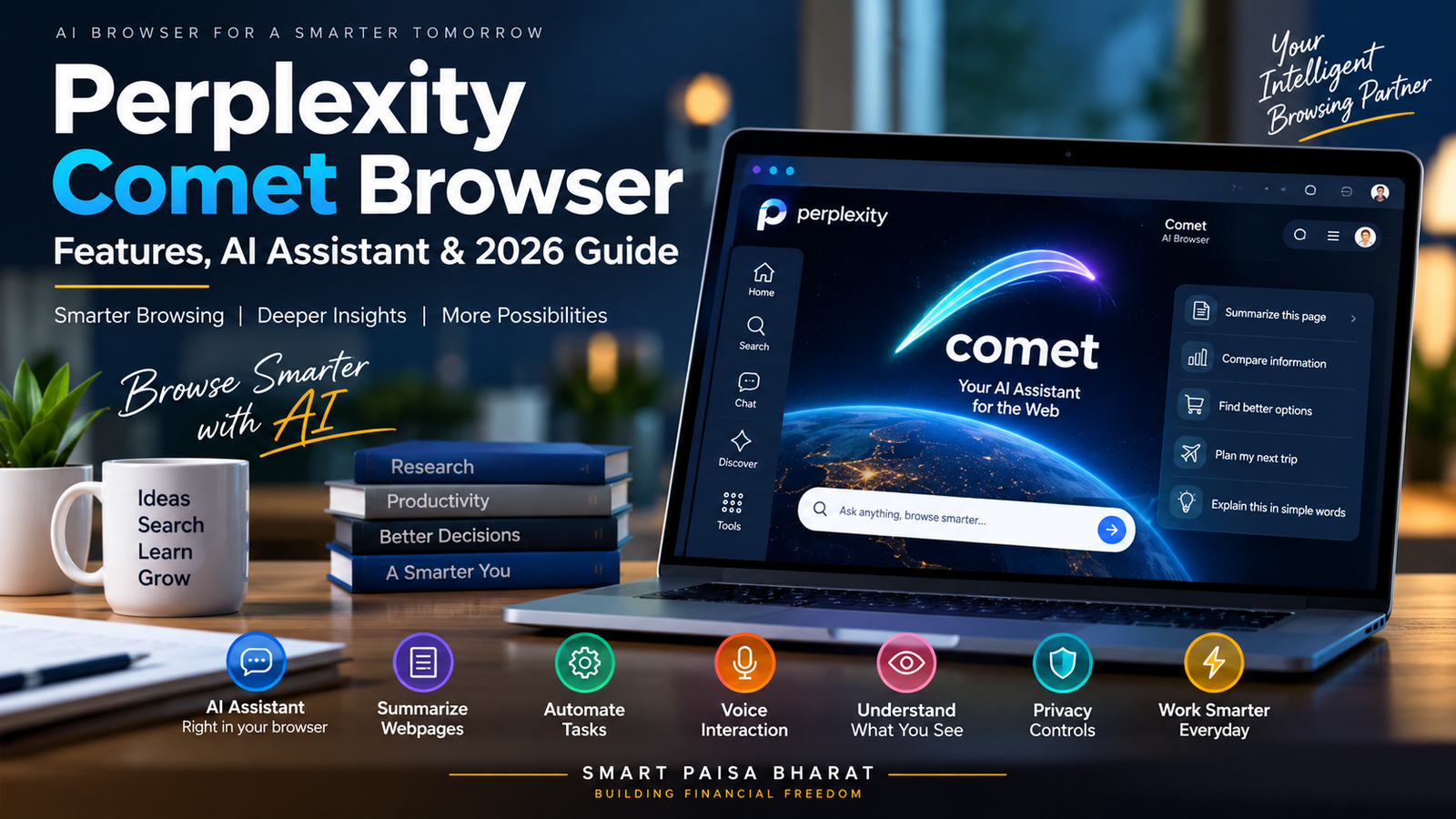
Perplexity Comet Browser: Features, AI Assistant & 2026 Guide
The way people use the internet is changing. For years, a web browser mainly helped us open websites, search for information, read articles and move from one tab to another. Artificial intelligence is now adding a new layer to that experience.
Perplexity Comet Browser is one of the products exploring this new approach. Instead of treating an AI assistant as a completely separate application, Comet brings AI directly into the browsing experience.
That can make online research, reading, comparison and certain browser-based tasks more conversational. But what exactly is Comet, what can it do, and where does it fit into the growing AI browser market?
In this guide, we explain Perplexity Comet in simple language, look at its major features, practical uses, privacy considerations and what the rise of AI browsers could mean for everyday internet users.
What Is Perplexity Comet Browser?
Perplexity Comet is an AI-powered web browser developed by Perplexity. It combines conventional web browsing with an integrated AI assistant that can help users understand information, research topics and work with webpages.
The idea is simple: instead of opening a browser for one task and an AI chatbot for another, users can interact with an AI assistant while they are already browsing.
For example, while reading an article, researching a product or comparing information across websites, a user can ask the assistant for help without constantly copying information into another application.
This makes Comet part of a broader movement toward AI-assisted browsing, where the browser becomes more interactive and task-oriented.
How Does Perplexity Comet Work?
Traditional browsers are primarily designed to display websites and provide access to online services. The user decides what to search, which links to open and what actions to perform.
Comet adds an AI assistant to this process. Depending on the task and available permissions, the assistant can help users understand webpages, answer questions, summarize information and work through certain browser activities.
The important difference is the presence of context. Instead of explaining every webpage from scratch to an external chatbot, users can interact with AI while they are already inside their browsing workflow.
This approach is particularly useful when a task involves several pieces of information rather than a single search query.
Why Are AI Browsers Becoming Popular?
The internet contains an enormous amount of information, but finding the right information is only one part of the problem. Users also need to understand it, compare it and decide what to do next.
A normal search may give you dozens of results. You still have to open pages, read them, compare details and organize the information yourself.
AI browsers are attempting to reduce some of this repetitive work. Instead of stopping at search results, they can help users interact with the information they have already found.
This is one reason AI-powered browsers are becoming an important area of competition in the technology industry.
Key Features of Perplexity Comet Browser
1. Integrated AI Assistant
The central feature of Comet is its built-in AI assistant. Users can ask questions while browsing instead of moving to a separate AI application for every follow-up request.
The assistant can help explain information, summarize content, answer questions and support different research workflows.
2. Webpage Understanding
Long webpages can contain large amounts of information. Finding one specific detail manually can take time.
An AI browser can make this process more conversational by helping users understand the information displayed on a page.
For example, a user reading a technical article might ask for a simpler explanation of a difficult section instead of searching for another explanation elsewhere.
3. AI-Assisted Research
Research is one of the areas where an AI browser can be especially useful.
A typical research session can involve many websites, articles, documents and comparison pages. Comet is designed to help users move through this information while keeping the AI assistant available as part of the workflow.
However, important claims should still be checked against original and reliable sources. AI assistance can make research faster, but it does not eliminate the need for verification.
4. Multi-Step Browser Tasks
One of the more interesting developments in AI browsers is the move from answering questions toward helping with tasks.
Depending on the capabilities and permissions available, Comet can assist with activities that involve multiple browser steps.
This represents a wider shift toward what is often called agentic AI, where an AI system can go beyond generating text and help carry out parts of a user’s requested workflow.
Because these actions can affect websites and accounts, users should always review important actions before allowing an AI assistant to complete them.
5. Voice Interaction
Voice is becoming an increasingly common way to interact with AI. Comet has introduced voice capabilities that allow users to communicate with the assistant more naturally.
Voice interaction can be useful when users are reading, researching or navigating information and would rather speak than type every question.
6. Screen Awareness
Another useful direction for AI browsers is the ability to work with information currently visible to the user.
Instead of describing every detail manually, users can ask questions about what they are viewing when the relevant feature is available.
This can be useful for complicated webpages, charts, instructions, product information and other visual or text-heavy content.
7. Cross-Tab Context
Online research rarely happens on a single webpage. People often open multiple tabs to compare products, read reviews, check documentation or collect information.
AI-assisted browsing can make these workflows easier by helping users maintain context while moving between different parts of their research.
8. Privacy and Permission Controls
AI inside a browser creates an important privacy question: what information can the assistant access?
Comet includes controls intended to help users manage how the assistant interacts with websites and browser information.
Users should still review these settings carefully. An AI assistant should receive only the access that is necessary for the task being performed.
What Can You Use Perplexity Comet For?
Research and Learning
Students, researchers and professionals can use AI-assisted browsing to explore topics, understand difficult information and summarize relevant material.
Product Research
Before purchasing something online, users may need to compare specifications, reviews and different sources.
Comet can help organize the research process, although prices, availability and specifications should always be confirmed on the original website before making a purchase.
Travel Planning
Travel research often requires several websites for destinations, hotels, activities, maps and other information.
An AI browser can help users move through this research without treating every website as a completely separate task.
Work and Productivity
Professionals can use AI-assisted browsing for competitor research, online documentation, market research, content research and other information-heavy activities.
Understanding Difficult Webpages
If a webpage contains complicated technical language, an AI assistant can help explain the material in simpler terms.
This can make the browser useful not only for finding information but also for learning from it.
Perplexity Comet vs Traditional Web Browsers
Comet is built around a different browsing philosophy. The difference is not simply about how webpages look; it is about how users interact with information.
| Traditional Browser | AI Browser Approach |
|---|---|
| Primarily provides access to websites | Combines browsing with AI assistance |
| Users manually search and compare information | AI can help summarize and organize information |
| Tasks are generally performed manually | AI may assist with selected multi-step tasks |
| AI is usually accessed separately | AI is integrated into the browsing experience |
| Interaction is mainly through clicks and typing | AI browsers can add conversational and voice interaction |
This does not mean traditional browsers are becoming irrelevant. It simply shows that browsers are gaining new capabilities as AI becomes more deeply integrated into everyday software.
Is Perplexity Comet a Replacement for Google?
It is more useful to think of Comet as an AI-powered browser rather than simply calling it a replacement for Google.
Search engines and AI browsers can serve different purposes. Search engines are designed to help users discover information across the web, while an AI browser can add an interactive assistant to the browsing process.
Users may therefore continue using traditional search, AI search and AI-assisted browsers depending on the task they are trying to complete.
The larger trend is the blending of search, browsing and AI assistance into a single workflow.
Is Perplexity Comet Free?
Comet has been offered as an AI browser, while some Perplexity services and advanced capabilities can depend on the user’s account or plan.
Features and access can change as the product develops. Users should check the official Perplexity Comet information for the latest availability and plan details before making a decision.
Is Perplexity Comet Safe to Use?
Like any browser or AI service, safety depends partly on how it is configured and used.
AI assistants can misunderstand instructions or produce incorrect information. Users should therefore review important outputs instead of automatically accepting everything an AI system says.
Extra care is important when dealing with banking, payments, passwords, private documents, business accounts or other sensitive information.
A practical rule is simple: give an AI assistant only the permissions it needs, and review important actions before they happen.
Who Can Benefit From an AI Browser?
AI browsers can be useful for people who spend a significant amount of time researching or working online.
- Students: Research, learning and explanations.
- Creators: Topic research and information discovery.
- Entrepreneurs: Market and competitor research.
- Professionals: Online research and productivity.
- Developers: Documentation and technical research.
- Shoppers: Product research and comparison.
- Travel planners: Destination and itinerary research.
What Is Agentic AI and Why Does It Matter?
The term agentic AI is becoming increasingly common in technology discussions.
In simple terms, agentic AI describes systems that can do more than provide a written answer. They may be able to plan steps, use tools and complete parts of a task according to the instructions they receive.
This could change how people interact with software.
Instead of asking only, “Where can I find this information?”, users may increasingly ask, “Help me find it, understand it and complete the next step.”
AI browsers such as Comet are part of this broader movement toward software that can assist with actions as well as information.
What Are the Limitations of AI Browsers?
AI browsers are promising, but they are not perfect.
AI can misunderstand a webpage, interpret an instruction incorrectly or provide an answer that sounds convincing but is incomplete.
Browser automation also introduces another consideration: an incorrect action can have consequences if the assistant is allowed to interact with important websites.
For that reason, AI browsing should be viewed as an assistance tool, not a substitute for human judgment.
This is especially important for financial, legal, medical, security and other high-impact decisions.
The Future of AI-Powered Browsing
The biggest story around Comet is not one individual feature. It is the direction in which browsers are moving.
For decades, browsers have mainly acted as windows through which people access the internet. Users searched, clicked, read and manually completed the next step.
AI introduces another possibility: a browser that can understand more of the user’s task and provide assistance throughout the browsing process.
This could influence how people research products, learn new subjects, compare information, plan trips and complete digital work.
The technology is still developing, so it is too early to know exactly how AI browsers will evolve. But the shift toward more conversational and task-oriented browsing is already becoming an important technology trend.
Frequently Asked Questions About Perplexity Comet
What is Perplexity Comet Browser?
Perplexity Comet is an AI-powered web browser that combines conventional browsing with an integrated AI assistant for research, webpage understanding and selected browser-based tasks.
Is Comet an AI search engine?
Comet includes AI-powered search and research capabilities, but it is more accurately described as an AI browser with an integrated assistant.
Can Perplexity Comet summarize webpages?
The AI assistant can help users understand and summarize information encountered during browsing.
Can Comet perform browser tasks?
Comet is designed to assist with certain browser-based activities and multi-step workflows, depending on the available features and permissions.
Does Perplexity Comet support voice?
Perplexity has introduced voice functionality for Comet, allowing users to interact with the assistant using spoken requests where supported.
Is Comet available on mobile?
Perplexity has expanded Comet beyond desktop platforms, with mobile availability as part of its wider product development.
Can I trust everything Comet tells me?
No AI system should be treated as infallible. Important information should be checked against reliable original sources, particularly when the information could affect money, privacy, security or other important decisions.
Is Comet useful for everyday browsing?
It can be useful for people who frequently research information, compare websites, read complicated content or want an AI assistant available during browsing.
Final Thoughts
Perplexity Comet Browser represents an interesting step toward AI-assisted browsing.
Instead of treating browsing and artificial intelligence as completely separate experiences, Comet brings an AI assistant into the browser itself.
That can make research more conversational and may reduce some of the repetitive work involved in finding, reading and comparing information.
At the same time, users should remember that AI tools can make mistakes. Privacy settings, permissions and verification remain important, especially when an AI assistant is allowed to interact with websites.
The long-term impact of AI browsers is still developing. What is already clear is that the boundary between search, browsing and AI assistance is becoming less distinct.
For anyone interested in the future of digital tools, Perplexity Comet is a technology worth watching as the next generation of web browsing continues to take shape.