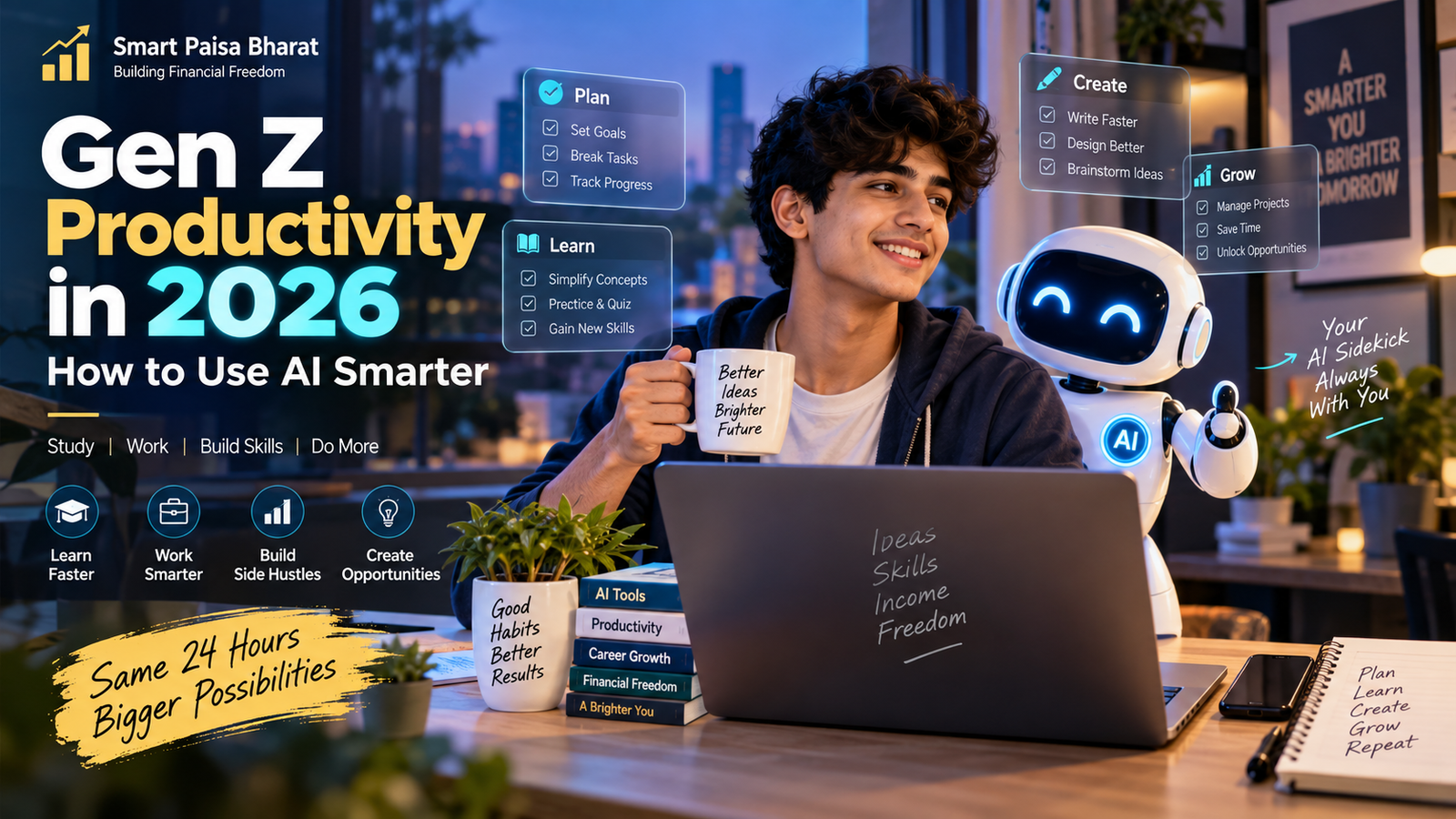
Gen Z Productivity in 2026: How to Use AI Smarter
AI is no longer just something people experiment with. In 2026, it is becoming part of how students, creators, freelancers and young professionals research ideas, organize work, learn new skills and build projects.
But there is an important difference between using AI to do everything and using AI to work smarter.
For Gen Z, the real productivity advantage is not having the most AI tools. It is knowing when to use them, what to delegate and what still needs a human touch.
Why AI Productivity Matters for Gen Z in 2026
Gen Z is entering a workplace where digital skills and adaptability are becoming increasingly important. At the same time, AI tools are moving beyond simple question-and-answer interactions toward workflows that can help with research, writing, organization, analysis and repetitive digital tasks.
That changes the productivity game.
Instead of spending an entire evening starting from a blank page, a student can use AI to brainstorm an outline, explain a difficult concept and create a study plan. A freelancer can use it to organize research, prepare a first draft and turn rough notes into a clearer working document.
The goal should not be to remove human thinking. The goal is to remove unnecessary friction so more time can be spent on judgment, creativity and execution.
What Has Changed in AI Productivity?
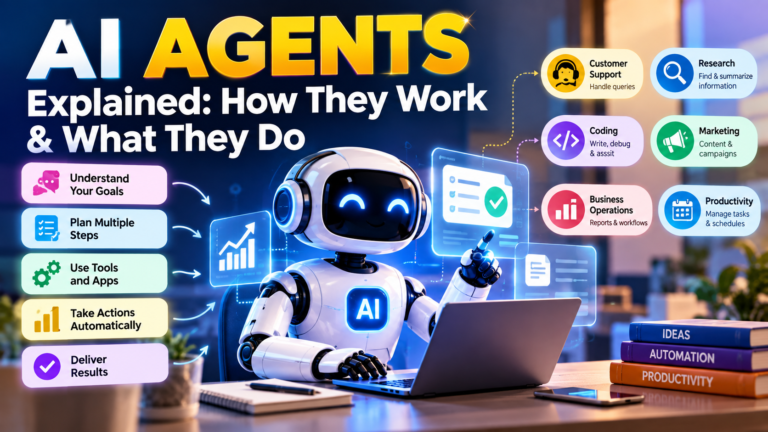
The biggest change is that AI is increasingly becoming part of complete workflows rather than being used only as a chatbot.
A traditional AI workflow might look like this:
- Ask a question.
- Receive an answer.
- Copy the useful information.
- Continue working manually.
A more connected AI workflow can help with several steps of a task. Depending on the tool, AI may help research information, organize material, draft documents, analyze data, create presentations or assist with repetitive work.
However, more automation does not mean less responsibility. Human review remains important, especially when information involves money, education, employment, legal matters, privacy or important business decisions.
5 Practical Ways Gen Z Can Use AI to Become More Productive
1. Turn AI Into a Study Partner
Reading the same chapter repeatedly is not always the most effective way to learn. AI can make studying more interactive by explaining difficult concepts, creating practice questions and testing your understanding.
Try asking AI to:
- Explain a difficult topic in simple language.
- Create practice questions.
- Quiz you one question at a time.
- Compare two concepts in a simple table.
- Create a revision plan.
- Identify areas where your understanding is weak.
The key is to use AI for active learning, rather than simply copying an answer.
Example prompt:
Act as my study coach. Explain this topic in simple language, then ask me five questions one at a time. Let me answer each question before showing the correct answer.
2. Turn Big Goals Into Small Actions
Sometimes productivity fails before the work even begins. A large project can feel overwhelming because the next action is unclear.
AI can help turn a broad goal into a practical checklist.
For example, instead of simply saying:
I want to start a YouTube channel.
You can ask AI to break the goal into manageable steps:
- Choose a specific audience.
- Select three content themes.
- Research competing channels.
- Create the first ten content ideas.
- Build a simple production workflow.
- Create a realistic publishing schedule.
- Review performance and improve the process.
The goal has not changed. The path toward it has simply become clearer.
3. Build a Personal AI Research Workflow
Research can consume a surprising amount of time when information is spread across articles, reports, documents and other sources.
AI can help organize research by summarizing information, extracting key points, comparing material and generating questions for further investigation.
But there is one rule worth remembering:
Never assume an AI-generated answer is automatically correct.
Important facts should be checked against reliable and preferably primary sources. This is especially important for financial, legal, medical, academic and business information.
4. Use AI for the First Draft — Not Your Final Voice
One of the simplest productivity benefits of AI is overcoming the blank-page problem.
AI can help create a starting point for:
- Blog outlines
- Email drafts
- Presentation structures
- Social media ideas
- Project proposals
- Resume bullet points
- Content calendars
But the final version should sound like you.
Add your own experience, examples, observations and perspective. Edit the language instead of publishing the first AI-generated draft exactly as it appears.
That human layer is what can turn a generic draft into genuinely useful content.
5. Automate Repetitive Digital Work
Some tasks do not require much creativity. They simply happen again and again.
Depending on your workflow, AI and automation can help with tasks such as:
- Sorting information
- Creating recurring reports
- Organizing notes
- Summarizing meetings
- Drafting routine communication
- Transforming information between formats
- Creating repeatable workflows
The productivity principle is simple:
Automate repetition so you can spend more time on work that requires judgment.
AI Tools Gen Z Can Explore in 2026
You do not need a large collection of AI subscriptions to become productive. Start with the problem you want to solve and choose a tool that fits that particular workflow.
| Need | AI Category | Possible Use |
|---|---|---|
| Writing and brainstorming | AI assistants | Ideas, outlines, drafts and editing |
| Research | AI research tools | Summaries, comparisons and source discovery |
| Study | AI learning tools | Explanations, quizzes and revision plans |
| Design | AI design tools | Visual concepts, presentations and creative assets |
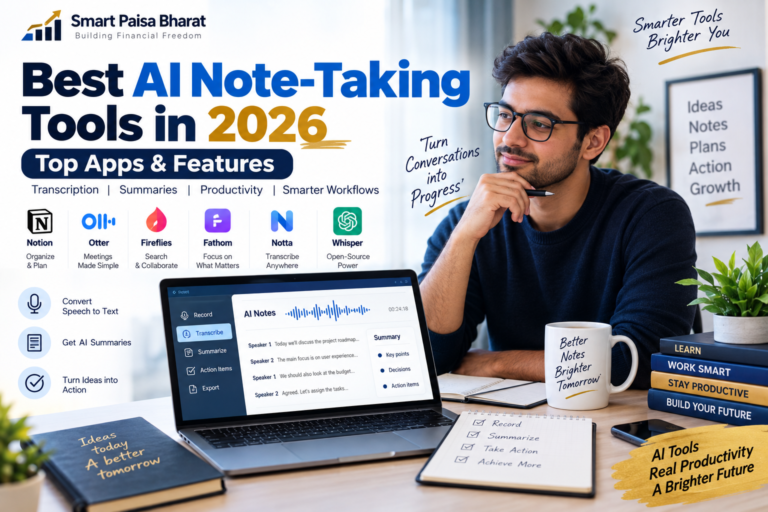
| Meetings | AI meeting tools | Notes, summaries and action items |
| Automation | AI automation tools | Connecting repetitive tasks and workflows |
Popular platforms in this space include ChatGPT, Google Gemini, Claude, Microsoft Copilot, Notion AI and Canva’s AI features. Features, availability and pricing can change, so always check the provider’s current information before choosing a paid service.
The Gen Z Productivity Trap: More Tools, Less Focus
Here is the irony of the AI era: having more productivity tools does not automatically make you more productive.
You can have an AI assistant, task manager, calendar, note-taking application, automation platform and multiple browser tabs open — and still accomplish very little.
The problem is not always a lack of technology. Sometimes it is simply too much technology.
A simpler approach is to create a small personal productivity system:
- One place for tasks.
- One place for important notes.
- One or two AI assistants.
- One calendar.
- A simple weekly review.
Keep the system simple enough that you actually use it.
AI Should Save Time — Not Create More Digital Noise
Productivity is not about filling every minute of the day. It is about using your time intentionally.
If AI saves you thirty minutes but those thirty minutes immediately disappear into another hour of scrolling, the productivity benefit has been lost.
A better question is:
What valuable thing will I do with the time AI saves me?
That could mean learning a new skill, building a project, exercising, spending time with family, creating something or simply getting enough rest.
AI Skills That Can Help Gen Z Stay Adaptable
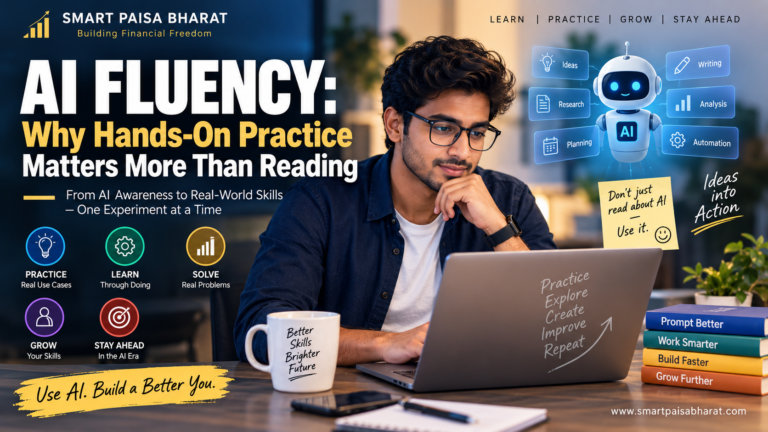
Knowing how to write prompts is useful, but becoming effective with AI requires more than prompting.
Build these skills alongside AI:
- Critical thinking: Check whether an answer actually makes sense.
- Research: Learn how to find and verify reliable information.
- Communication: Give clear instructions and explain ideas effectively.
- Data literacy: Understand numbers instead of blindly trusting outputs.
- Digital security: Think carefully before sharing sensitive information with any AI service.
- Domain knowledge: Understand the subject you are asking AI to work on.
- Creativity: Use AI as a collaborator rather than allowing it to replace your ideas.
The strongest combination is not human versus AI. It is human judgment plus AI assistance.
How to Build Your Own AI Productivity System
Step 1: Track Your Repetitive Work
For one week, notice which tasks repeatedly consume your time. Look for activities that are predictable, repetitive and suitable for assistance or automation.
Step 2: Pick One Problem
Start with one clear problem such as research, writing, studying, scheduling or organizing information.
Step 3: Create a Repeatable Prompt
Instead of writing a completely new instruction every time, create a reusable prompt that explains your preferred format, audience, tone and desired result.
Step 4: Add Human Review
Check facts, numbers, sources, tone and sensitive information before using AI-generated material.
Step 5: Measure the Result
Ask yourself whether the workflow actually saved time or improved quality. If it did not, simplify it or stop using it.
What AI Should Not Replace
There are parts of life and work where speed is not the main objective.
- Personal judgment
- Original experiences
- Important relationships
- Ethical decisions
- Professional responsibility
- Fact verification
- Human creativity and personal perspective
AI can generate an answer quickly. That does not automatically make the answer correct, appropriate or suitable for your situation.
Frequently Asked Questions About Gen Z and AI Productivity
What is Gen Z productivity with AI?
Gen Z productivity with AI means using artificial intelligence to reduce repetitive work, organize information, learn more effectively and support creative projects while keeping human judgment involved.
Which AI tools are useful for students and young professionals?
AI assistants, research tools, writing assistants, design platforms, meeting-note tools and automation software can all be useful. The right choice depends on the task rather than simply the number of features a tool provides.
Can AI really make Gen Z more productive?
AI can reduce the time required for certain tasks, but productivity gains are not automatic. Results depend on the task, the workflow and how carefully the output is reviewed.
Should students use AI for assignments?
Students should follow the rules of their school, college or university. AI can be useful for learning, brainstorming, explanations and practice, but submitting AI-generated work as original work may violate academic policies.
Will AI replace Gen Z jobs?
The effect of AI on employment will vary by occupation, industry and task. Some activities may become automated or significantly faster, while other work continues to depend heavily on human judgment, communication, creativity and expertise.
Is using more AI tools always better?
No. A small number of well-understood tools can be more useful than constantly switching between many applications. Start with a real problem and then choose a tool that helps solve it.
The Bottom Line
AI is becoming a powerful productivity partner for Gen Z in 2026, but the real advantage is not the technology itself.
The advantage comes from combining AI with human skills such as curiosity, critical thinking, creativity, communication and good judgment.
You do not need to become an AI expert overnight. Start with one frustrating task, build a practical AI workflow and improve it one step at a time.
The future of productivity is unlikely to be about doing everything with AI. It is about knowing what to delegate, what to verify and what only you can do well.
Smart Paisa Bharat — Practical insights on money, technology, careers and the digital economy.
This article is for educational and informational purposes. AI tools, features and pricing can change over time. Always verify important information with the relevant official source before making important decisions.